The Forge Update Guide: Codes, Ores, Recipes, and Calculator Checks
When The Forge updates, the best move is not to spend rare ores immediately. Check codes first, confirm whether ores or forge areas changed, retest weapon and armor recipes, then decide which materials are still worth using. This page is an update checklist for Roblox The Forge players who want a safer path after patches.
Quick Answer
After a The Forge update, check active codes, patch notes, ore names, area access, pickaxe changes, and recipe odds before crafting. Updates can add rewards, change progression pressure, introduce new ores, or make an older recipe less efficient. A few minutes of checking usually protects more value than rushing into the forge.
If you only have time for one action, open the codes page and then retest your next weapon or armor mix in the calculator. Code rewards can change what you should craft first, while the calculator shows whether a recipe still has useful fallback outcomes after the update.
| Update signal | What may have changed | Best action | Use this page |
|---|---|---|---|
| New code or event reward | Boosts, spins, cash, ore rewards, or limited-time items may shift the best next craft. | Redeem or verify the code, then plan how to spend the reward. | Codes |
| New ore, area, or drop table | Ore multipliers, traits, and farming routes may change the recipe pool. | Compare the ore list before replacing materials in a known recipe. | Ores |
| Weapon or armor balance talk | The best target may change even if your old recipe still works. | Check the relevant tier guide, then retest exact odds. | Best Weapons / Armor |
| Pickaxe or progression change | Mining routes may become faster, slower, or locked behind a new step. | Verify the route before farming rare ores for an hour. | Pickaxe Guide |
Update Check Workflow
Use this sequence when a patch, event, video, Discord post, or wiki edit suggests that The Forge changed. It keeps the first decision simple and prevents the common mistake of copying a recipe that was useful before the latest update.
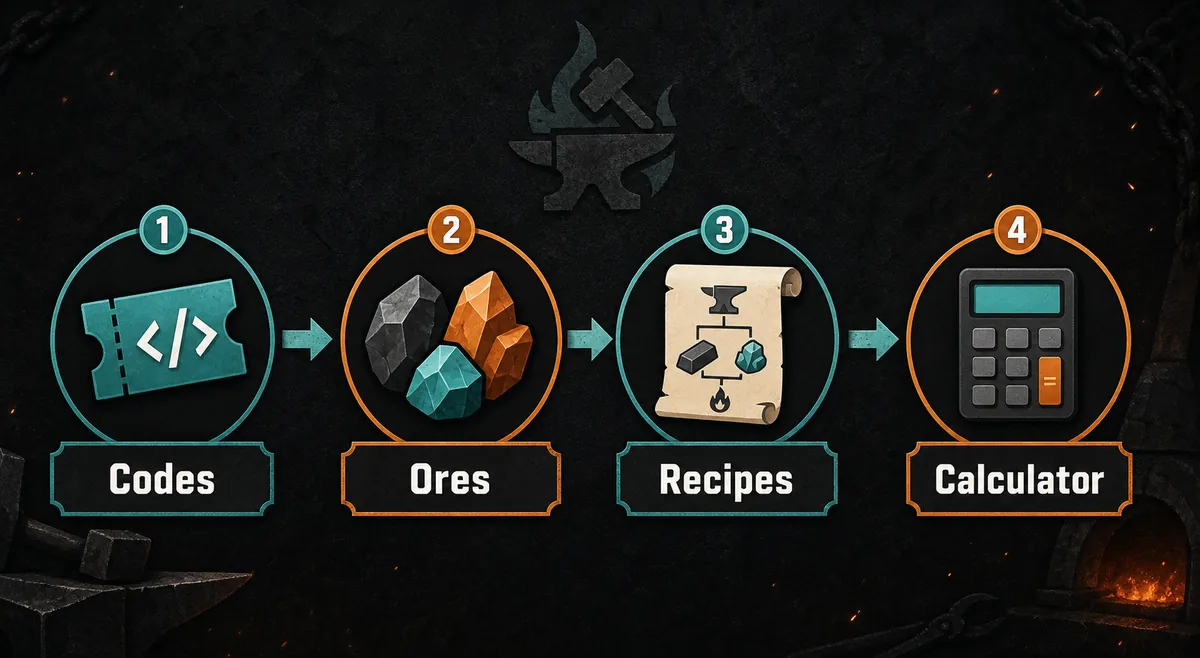
Check active codes and rewards
Look for new or expired codes before crafting. A fresh boost, spin, cash reward, or resource bundle can change whether you should farm, reroll, craft armor, or chase a weapon.
Confirm changed ores and areas
If a patch mentions new areas, drops, or materials, compare the ore list before using old recipes. A new multiplier or trait can make a cheaper route better than a familiar expensive mix.
Retest weapon and armor targets
Use the calculator to compare your old recipe against one updated fallback. Do not spend premium ores unless several outcomes still help your account.
Update the farming route
If pickaxes, progression gates, or area access changed, adjust the route before a long farming session. Faster mining only matters when it feeds the craft you actually need.
How Updates Usually Affect Crafting Decisions
Most update searches are not asking for a long changelog. Players want to know what to do next: redeem a code, save an ore, retest a recipe, change armor goals, or farm a different area. That is why this guide focuses on decisions instead of repeating every rumor from community posts.
Treat update information as a chain. Official Roblox experience details and in-game text are the first check, community wiki edits are useful for item names and progression notes, and editorial guide sites help spot what other players are asking. Final crafting choices should still be tested against your own inventory.
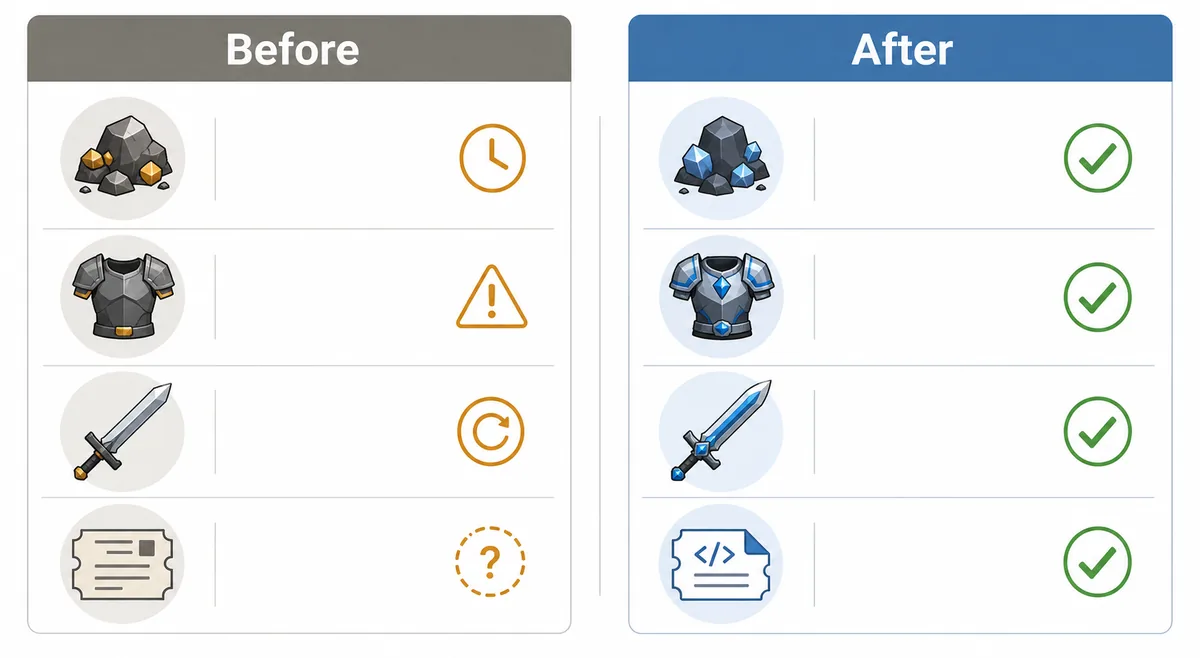
Codes change priorities
A reward code can make a race reroll, pickaxe upgrade, or armor recipe more urgent than the weapon plan you had yesterday.
Ores change recipes
New ore data matters when it changes multiplier averages, trait support, or the cost of a safer fallback recipe.
Balance changes targets
If a weapon, armor family, or area becomes more important, the best recipe is the one that fits the new bottleneck.
What to Do Before Spending Rare Ores
Use this priority list when an update is fresh and information is still moving. It separates safe checks from decisions that can waste limited materials.
Safe checks
- Open the official Roblox experience page or the live game to confirm the update is real.
- Check current codes and expired code reports before spending boost time.
- Compare ore names, areas, and traits against the current ore list.
- Run at least one calculator test with your old recipe and one cheaper fallback.
Risky moves
- Do not spend a premium ore only because a short video names one recipe.
- Do not assume a previous Arcane Pickaxe or area route is unchanged.
- Do not reroll races until you know whether the update added better reward timing.
- Do not rewrite your whole plan before checking whether the change affects your current stage.
Use These Pages After an Update
The Forge Codes
Start here when the update may include new rewards, expired codes, or event bonuses.
Complete Ore List
Compare multipliers, traits, areas, and replacement ores before changing a recipe.
The Forge Calculator
Retest your next weapon or armor craft before spending rare materials.
Pickaxe Guide
Check whether mining route or Arcane Pickaxe advice still fits the latest update.
Armor Recipes
Use when the update affects heavy armor, World 3 defense, or fallback recipe planning.
Wiki Hub
Use the hub when you need a broader route to ores, weapons, armor, codes, races, and updates.
Sources to Check
The Forge updates can move quickly, so this page uses conservative advice and points readers to live or community-maintained references. Treat copied recipes as leads until you test them in the calculator.
- Official Roblox experience for the live game page, update labels, and first-party context.
- The Forge community wiki for community-maintained item names, update notes, and progression context.
- Game8 The Forge guides for editorial guide coverage and player search-intent checks.
- GameWith The Forge guides for an additional editorial view of current systems and item coverage.
FAQ About The Forge Updates
What should I check first after a The Forge update?
Check active codes first, then confirm whether ores, areas, pickaxes, weapon targets, or armor targets changed. After that, retest the recipe you planned to craft.
Do updates make old recipes useless?
Not always. Many old recipes still work, but an update can change the best use of rare ores. Compare your old mix with one cheaper fallback before crafting.
Where can I find official The Forge update information?
Start with the live Roblox experience page and in-game text. Community wiki pages and editorial guides are useful second checks, but final crafting decisions should be tested with your own ore inventory.
Should I spend code rewards immediately after an update?
Only if the reward fits your next bottleneck. A boost may be better for farming, a spin may be better for race planning, and a material reward may be better saved for an armor or weapon recipe.
Why does the calculator matter after an update?
The calculator lets you compare old and updated ore mixes before spending materials. That is especially useful when a patch adds ores, changes progression pressure, or makes fallback outcomes more important.
Retest before you craft after an update
Use the update as a checkpoint: verify rewards, compare changed materials, and run the calculator before spending rare ores.