The Forge Codes: Current Roblox Code Status and How to Redeem Codes
The Forge codes can give players free rolls, boosts, spins, or other launch rewards when the developer releases a promotion. This page keeps the current code status separate from crafting math, explains how to redeem codes safely, and shows when to use rewards before testing ores in The Forge Crafting Calculator.
Quick Answer
The safest current answer is that there is no universally confirmed active The Forge code as of June 10, 2026. Some code trackers still show recent candidates, while a newer PC Gamer update reports no active freebies. Use this page to test codes quickly, understand why they fail, and plan how to spend future reroll or boost rewards with the calculator once a new code is accepted in game.
| Primary intent | Find working The Forge codes and learn how to redeem them in Roblox. |
|---|---|
| Best source to verify | The in-game code box, official Roblox experience page, and official community announcements. |
| Common rewards | Spins, rerolls, boosts, cash, or event resources depending on the current campaign. |
| Most common failure | Expired code, typo, wrong capitalization, already redeemed account, or server not updated. |
| After redeeming | Use the calculator to plan ores, traits, weapon targets, and recipe risk before spending new rewards. |
How to Redeem The Forge Codes
Code redemption should take less than a minute, but small mistakes are common because Roblox codes are case-sensitive and event codes expire quickly. Follow the steps below before assuming a code is dead.
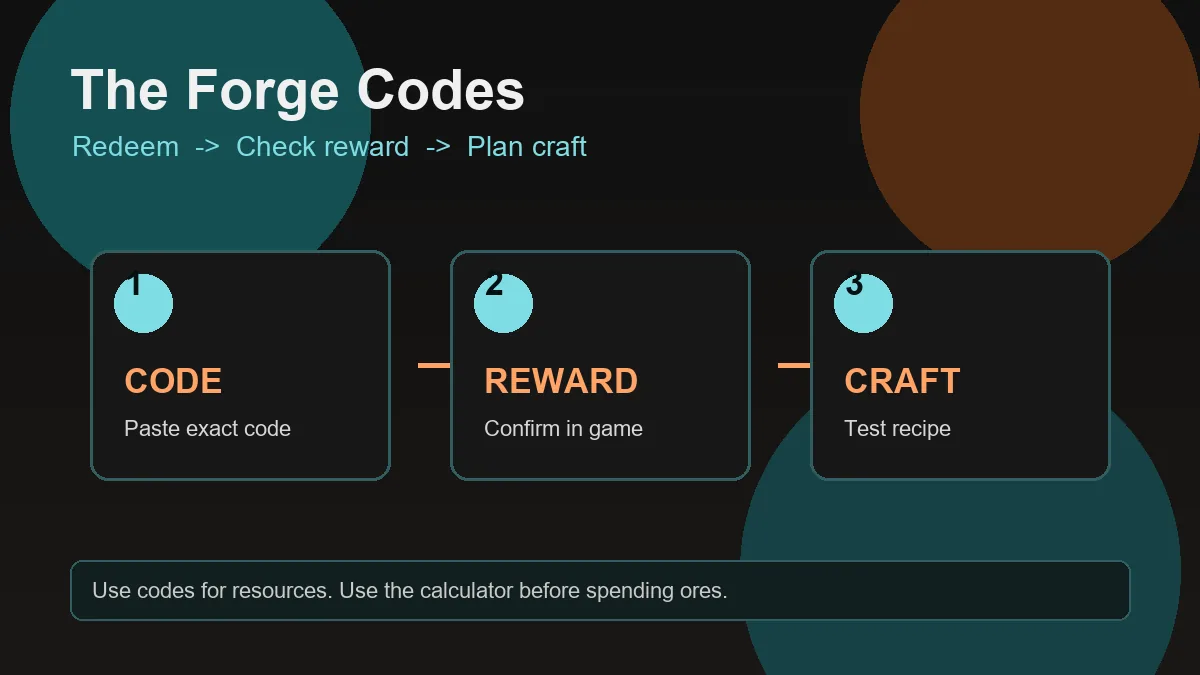
Launch The Forge from Roblox
Open the official The Forge experience, wait for your player data to load, and avoid redeeming during a server reconnect or update countdown.
Open the code or rewards menu
Look for the code button, settings menu, shop panel, or event rewards panel. The exact label can change after interface updates.
Paste one code at a time
Copy the code exactly, including punctuation such as exclamation marks. Do not add spaces before or after the code.
Confirm the reward immediately
If the reward appears, check whether it added spins, boosts, cash, or another resource. If nothing changes, try a new server before marking the code expired.
Plan before spending rewards
After redeeming, use this site's calculator, ore list, and weapon guide so the reward goes into a recipe with a clear target.
Where to Check New The Forge Codes
The safest code workflow is to verify from first-party channels first, then use code tracker pages as a backup. First-party sources matter because Roblox code guides can be copied quickly and may keep expired codes longer than the game accepts them.
When a new The Forge update lands, look for codes tied to likes, visits, shutdown compensation, holidays, boss updates, or new world releases. Those are the events most likely to produce short-lived rewards.
Official Roblox page
Use it to confirm you are opening the correct experience and to watch update notes or social links posted by the developer.
Community Discord
Discord announcements often publish shutdown compensation or milestone codes before search results update.
Code trackers
Use Game8, GamesRadar, Beebom, and similar trackers to cross-check active and expired lists, but always test inside the game.
Useful verification points include the official Roblox experience, the community Discord invite, PC Gamer, GamesRadar, and Beebom.
Why a The Forge Code Is Not Working
Before you call it expired
- Check capitalization, numbers, punctuation, and hidden spaces.
- Redeem on a fresh server after a Roblox update.
- Confirm the code has not already been redeemed on the same account.
- Try the code from the exact source where you found it, not a shortened repost.
When it probably is expired
- The code was tied to a shutdown apology or milestone event.
- Multiple current trackers have moved it to expired lists.
- The in-game message explicitly says expired rather than invalid.
- A newer update replaced the older reward campaign.
How to Use Code Rewards Wisely
Code rewards are most useful when they reduce the cost of testing a plan you already understand. If you redeem spins or boosts and immediately spend them without checking the recipe, you can still waste rare ores or rerolls.
A better approach is to decide your target first: race reroll, weapon craft, armor craft, or ore farming session. Then use the reward only where it changes a real decision.
If the code gives spins
- Read the race tier list before rerolling a usable race.
- Set a stopping point so you do not burn every spin chasing a tiny upgrade.
- Keep a race that supports your current farming or boss goal.
If the code gives boosts or resources
- Check the ore index for multipliers and trait roles.
- Use the crafting calculator before spending rare ores.
- Compare the target weapon guide if your goal is damage rather than collection.
Related Forge Planning Guides
FAQ About The Forge Codes
What are The Forge codes?
They are Roblox promo codes released by the game developer for rewards such as spins, boosts, cash, or event resources. Rewards depend on the active campaign.
Are The Forge codes the same as calculator codes?
No. The codes are redeemed inside Roblox The Forge. The Forge Crafting Calculator does not require codes and does not grant in-game items.
How often do new The Forge codes release?
They usually appear around milestones, shutdown compensation, holidays, or major updates. There is no fixed schedule.
Why does a working code say invalid for me?
The code may be expired, mistyped, already redeemed, blocked by an old server, or not active in your region or version yet. Copy it exactly and try a fresh server.
Should I save code rewards?
Save them until you have a clear goal. Spins should be used with a race plan, while boosts and resources should support a tested crafting or farming route.
Where should I check for official codes first?
Start with the official Roblox experience page, the official community Discord, and in-game announcements. Use code tracker pages only as supporting references.
Redeem First, Craft Smarter
Once a code gives you extra resources, test your next recipe before spending them. The calculator helps you turn temporary rewards into better long-term crafting decisions.