The Forge Crafting Chances: Ore Counts, Odds & Better Rolls
The Forge crafting chances tell you which weapon or armor category your ore count is likely to produce, but that percentage is only the first roll. This guide shows how to read category odds, separate them from the item variation roll, and protect your materials with a repeatable test before you forge.
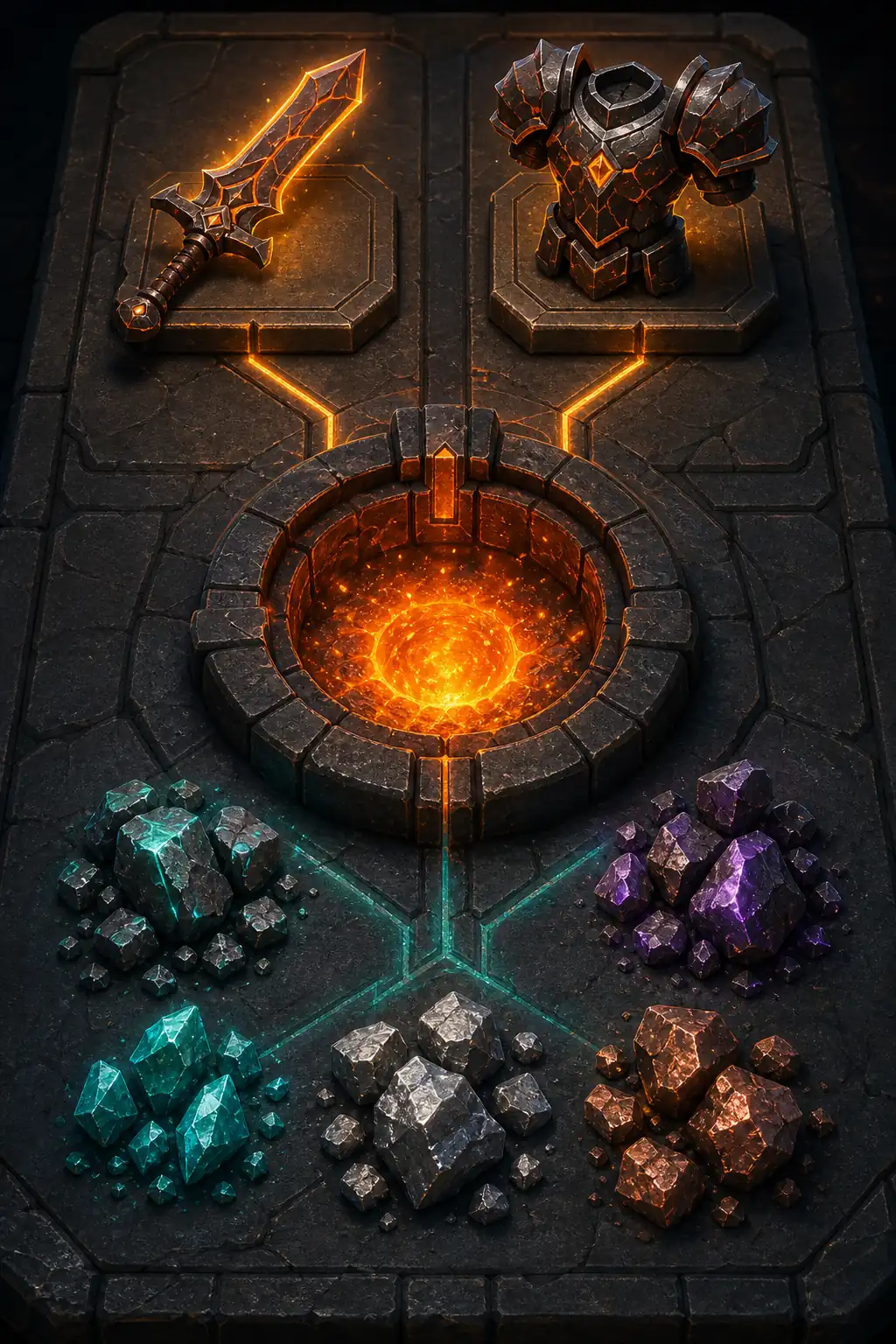
Editorial illustration, not an official Roblox screenshot: total ore count sets the category direction before later rolls.
Quick answer: what do Forge Chances mean?
Forge Chances are visible probabilities for the broad weapon or armor category that your current total ore count can produce. A small count favors lighter or smaller categories, while adding ore generally moves the distribution toward larger weapons and heavier armor. The percentage changes when you add or remove ore, so it is a planning signal rather than a permanent recipe rule.
The result is layered. First the game rolls a category, such as Dagger, Katana, or Heavy Chest. It then rolls a variation inside that category, and the forging minigames affect the finished quality. A 70% category chance is not a 70% chance for one named weapon. Treat public tables as community-tested reference points, compare the current display in the calculator, and retest after updates.
3+
Total ores usually needed to start a craft
2
Probability layers before quality
4
Ore types commonly used in one mix
Patch-aware
Retest values after a balance update
How The Forge crafting chances work
Keep three decisions separate when you read the chance panel: total count, ore quality, and trait direction. Mixing them together is the fastest way to spend a premium ore on the wrong target.
1. Total count sets the category
The number of ores in the crucible is the main lever for category odds. A three-ore test may strongly favor a Dagger or Light Helmet, while a much larger count opens more weight or size categories. Adding the same ore type still changes the total count, so do not look only at the number of different ore names.
2. The mix changes strength
Ore multipliers affect the strength ceiling of the finished item. They do not turn a low-count mix into a heavy weapon by themselves. Use a high-multiplier ore to improve the item you are already targeting, then check whether low-value filler has diluted the average.
3. Traits are a separate choice
A Weapon, Armor, All, or no-trait plan answers what the item should do. A trait can be valuable at a meaningful share, but it cannot replace a correct category target. Compare a trait mix with a clean fallback so the chance panel remains useful instead of becoming a rare-ore gamble.
Minimum and safer ore counts by category
These counts are practical reference points gathered from public community guides and the site's planning data. They are not an official guarantee. Use the current in-game panel or calculator because category weights, unlocks, and balance values can change.
Category example
Role
Minimum count
Safer test count
Decision note
Dagger
Small weapon
Appears from the lowest weapon count range.
Cheap baseline tests
Use three ores to establish a baseline before adding cost.
Straight Sword
Early weapon
Needs more count than a Dagger and competes with nearby categories.
Early weapon progression
Compare the visible split instead of assuming a minimum is optimal.
Katana
Mid-size weapon
The chance rises as the total moves into the mid range.
Targeted weapon tests
Hold the ore type mix steady while testing count changes.
Great Sword
Large weapon
A higher count shifts the roll toward a larger class.
Damage-focused builds
Check multiplier and attack speed trade-offs before committing.
Light Chest
Light armor
Chest pieces need more count than light helmets.
Early armor checks
Do not compare an armor count with a weapon count directly.
Heavy Chest
Heavy armor
High counts make heavier armor categories more competitive.
Defensive targets
Keep a lighter fallback when the cost of a high count is too steep.
Category chance is not the final item chance
A chance panel answers a sequence of questions, not one yes-or-no question. Reading the layers in order helps you set realistic expectations and explains why a named weapon can remain uncommon even when its parent category looks strong.
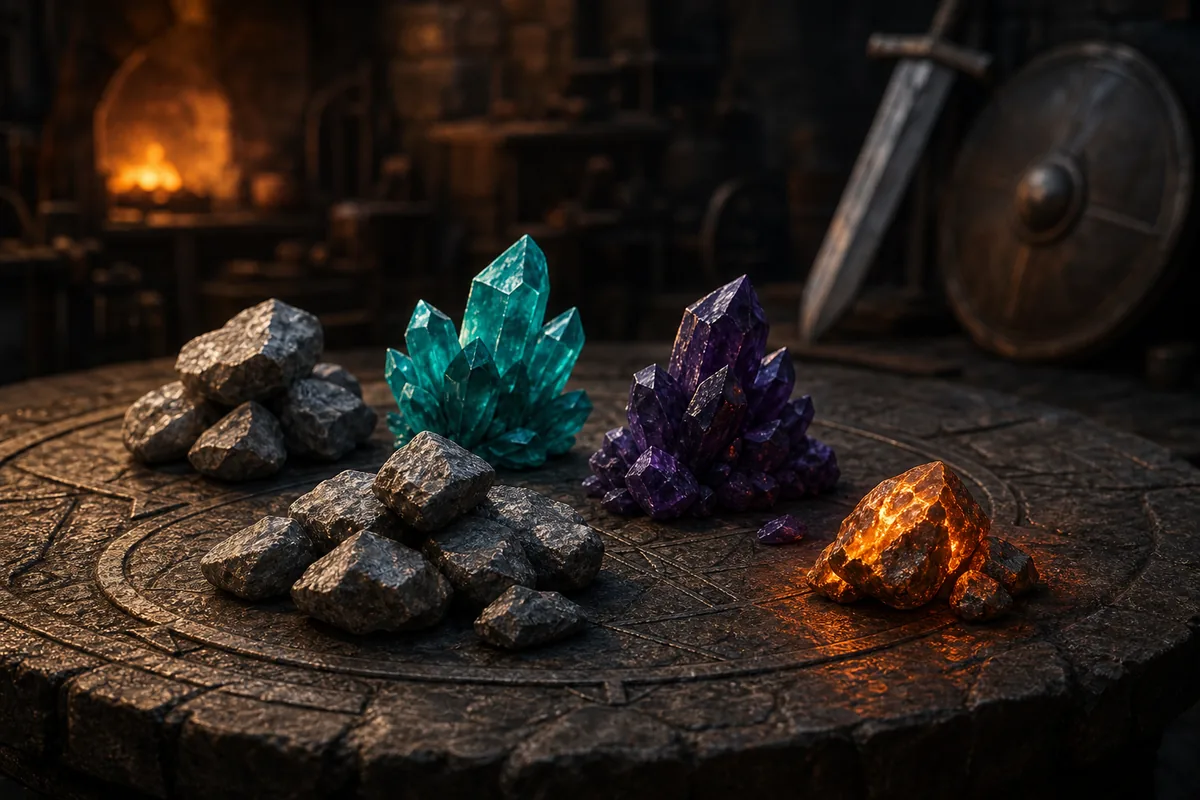
Editorial diagram: category, variation, and quality are separate checks in a planning model.
Layer one: category
The game first chooses a broad class such as Dagger, Katana, Great Sword, Light Chest, or Heavy Chest. The visible percentage is useful here because it shows how your total count is biasing the result. It still allows an unlucky roll.
Layer two: variation
After a category is selected, the game can choose among the named items inside it. If a category has several variations, the named item chance is lower than the category chance. This is why a 60% Katana category does not mean a 60% chance of one specific Katana.
Layer three: quality
The forging minigames affect quality after the item type is selected. Practice them with cheap materials, then aim for consistent timing on an expensive attempt. A clean minigame run improves the item you roll; it does not change the category distribution.
A safe way to test Forge Chances
Use this sequence when you want to move from a community table to a craft you can justify. It keeps the target, count, material cost, and update context visible at every step.
Name the exact target category and whether the craft is a weapon or armor attempt.
Record the current area, unlocked variations, and the ores you can replace if the test fails.
Start with a cheap baseline and note the category split at the current total count.
Change one variable at a time: total count, ore mix, or trait share. Do not change all three together.
Compare the result with the calculator and recipe index, then retest after any game update.
Use probabilities as a budget decision
A high percentage is a reason to test, not a promise to forge repeatedly. Set a stop point before you spend rare ore: for example, keep the fallback if the category chance does not improve enough to justify the extra count. This makes the calculator and the in-game panel work together.
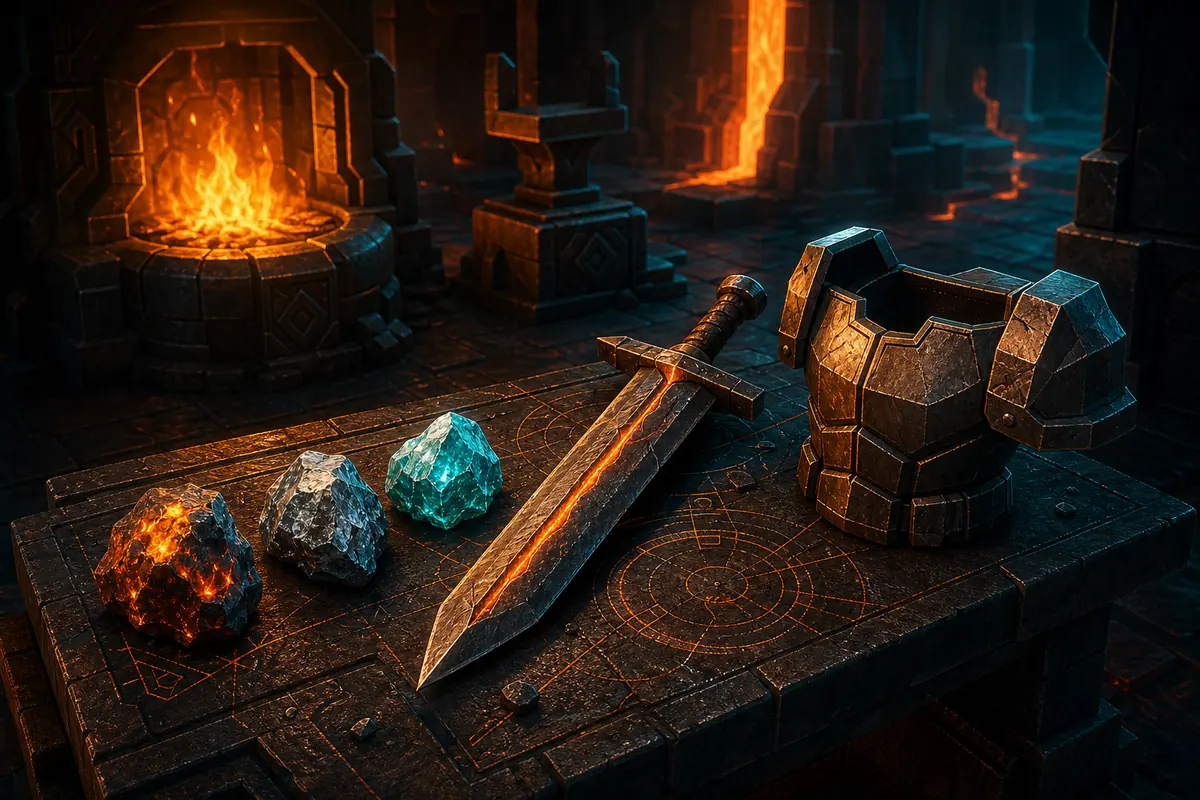
Editorial illustration, not a game screenshot: compare a baseline, one change, and a fallback before the final craft.
Three practical chance-reading examples
The examples below describe decisions, not guaranteed outcomes. Replace the counts with the current values shown by the game and keep the target category fixed while you compare.
A three-ore baseline
You want to understand a new ore mix, so you begin with three replaceable ores. The result may heavily favor a small weapon or light armor category. That is useful information: it gives you a clean reference before you add expensive material or chase a larger class.
A mid-range weapon test
Your panel shows a split between Katana and Great Sword. Keep the ore types and area unchanged, then add one or two pieces and record how the split moves. If the category chance improves but the multiplier collapses, the extra count may not be worth the cost.
A heavy armor attempt
A Heavy Chest target needs a large count, so you compare the high-count plan with a Medium Chest fallback. This protects the run when your inventory cannot support repeated heavy attempts. Check defensive traits separately instead of hiding them inside the category decision.
After an update
Run the same baseline after a patch. If its displayed chances differ, treat older tables as historical context and rebuild your expensive mix. A dated community percentage can still explain the system, but it should not be presented as a live guarantee.
Continue planning your next craft
Use this page to interpret the chance display, then open the narrower page that matches your next decision.
They are visible probabilities for broad weapon or armor categories based mainly on your total ore count and current mix. They guide a roll; they do not guarantee a named item.
Does adding more ore guarantee a Great Sword or Heavy Chest?
No. More ore generally shifts the distribution toward larger or heavier categories, but the roll remains random. Check the current percentage and keep a fallback plan.
Why is my named weapon chance lower than the category chance?
A category can contain several variations. The game first rolls the category and then selects one variation inside it, so a specific weapon receives only part of the category probability.
Do ore multipliers change Forge Chances?
Ore count is the main category lever, while multipliers mainly affect the strength ceiling. A stronger ore does not automatically make a low-count mix produce a heavy class.
Can traits guarantee a craft result?
Traits can support a weapon or armor plan when their share is meaningful, but they do not remove category variance. Compare the trait mix with a non-trait fallback.
Should I trust an old Forge chances table?
Use it to understand the mechanic, then verify the current in-game panel or calculator. Updates can change weights, unlocks, and available variations, so date-sensitive numbers should not be treated as permanent.
Sources and update-sensitive references
This guide combines the site's local planning data with public community references. The external pages explain the shared mechanic, while the calculator and game display remain the safer place to verify current values.
The Forge on Roblox — Official game listing used for the game's public context, not as a recipe or probability database.
Ready to test a better chance plan?
Choose one category, compare one variable at a time, and keep a fallback before you spend a rare ore. The visible chance is most useful when it supports a clear budget decision.
 Dagger
 Straight Sword
 Katana
 Great Sword
 Light Chest
 Heavy Chest