The Forge Wiki Roblox: minerales, armas, armaduras, códigos y hub de crafteo
Este hub con estilo wiki te da una ruta rápida por los sistemas más útiles de Roblox The Forge: minerales, recetas, armas, armaduras, picos, rerolls de raza, códigos y comprobaciones de actualizaciones. Úsalo cuando necesites un punto de partida claro antes de abrir una guía completa o probar una receta en la calculadora.
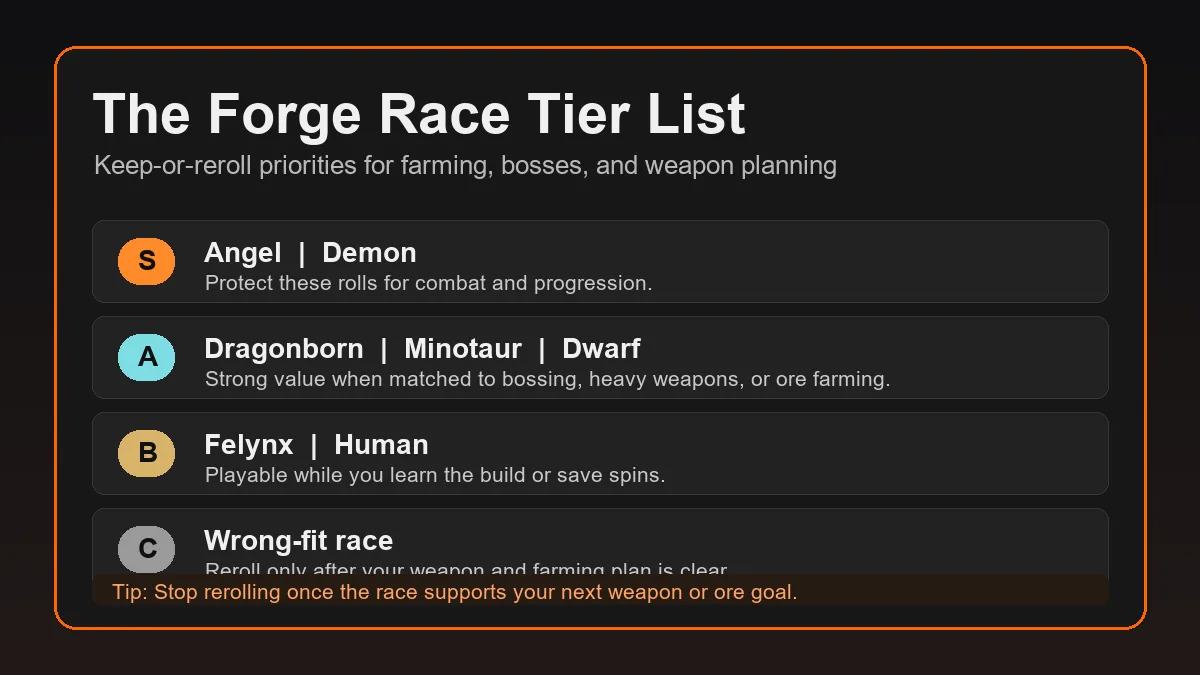
Respuesta rápida
If you searched in español for The Forge Wiki, start with the system that blocks your next decision: minerales for multipliers and traits, armas or armaduras for a target, picos for farming routes, and códigos before spending rewards.
Do not treat one wiki note as final after a Roblox update. Verify the live game, open the relevant local guide, and test your exact ore mix in the calculadora before spending materiales raros.
Directorio wiki: dónde ir primero
Use this directory as a table of contents for español readers. Each link sends you to a focused page instead of mixing every The Forge topic into one long article.
Crafting Calculator
Test combinations and compare armas or armaduras odds.
Complete Ore List
Check minerales, multipliers, rarity, traits, and area groups.
Codes
Review redeem steps and reward planning before using códigos.
Best Weapons
Pick a practical armas target by damage, range, cost, and fallback value.
Armor Tier List
Compare armaduras targets and defensive recipe priorities.
Pickaxe Guide
Use this when picos location or upgrade timing slows progress.
Sistemas principales de un vistazo
This table separates each The Forge system by the decision it supports, the best local page, and the update risk to check before spending materiales raros.
| System | What to check | Best page | Warning |
|---|---|---|---|
| Ores and traits | Multiplier, rarity, area, whether a trait applies to weapons, armor, or all item types. | Complete Ore List | A high multiplier ore can still be wasteful if it does not improve the target item pool. |
| Weapons | Damage rhythm, range, recipe cost, and whether fallback weapons are still useful. | Best Weapons Guide | A top-tier named weapon is not a good target if the craft has poor fallback outcomes. |
| Armor | Survivability, defensive traits, world progression, and whether heavy armor is actually needed. | Armor Tier List | Heavy armor is powerful for bosses but can be overkill for ordinary farming. |
| Pickaxes | Unlock path, upgrade cost, mining speed, ore targets, and route value. | Pickaxe Guide | Location guides can become outdated when the Roblox experience updates. |
| Codes and rewards | Redeem path, reward type, expiration risk, and whether the reward fits your next plan. | Codes Guide | Do not spend a boost or spin before deciding whether the goal is farming, crafting, or rerolling. |

Minerales drive recipe value through multipliers and traits.
Armas should be chosen by odds and fallback value.

Armaduras matters when survival blocks progression.
Cómo usar este hub wiki sin desperdiciar materiales
Start from the next decision that costs something: materiales raros, a code reward, a race reroll, a picos upgrade, or a boss preparation craft. Then open the matching guide and test the numbers.
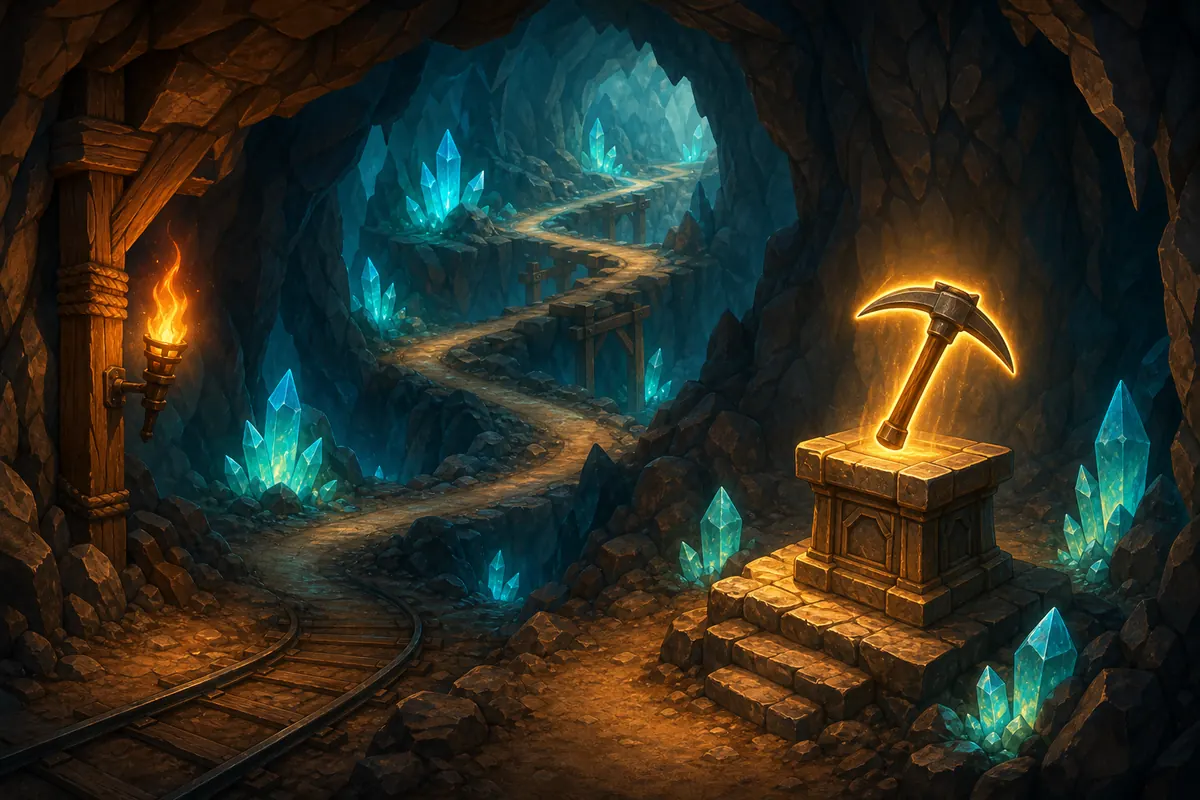
If mining is the bottleneck, read the picos guide first. If survival is the bottleneck, check armaduras. If damage is weak, choose a armas target and compare recipes.
Decision workflow
- Name the bottleneck: damage, survival, mining speed, rewards, or rerolls.
- Open the matching guide from the directory.
- Check whether the advice depends on a recent Roblox update.
- Compare your inventory in the calculadora before spending materiales raros.
- Save expensive materials for attempts with useful fallback results.
Comprobaciones de actualización y fiabilidad wiki
What can change after updates
- Code status, reward names, and expiration timing.
- Pickaxe unlock paths, quest gates, or area access.
- Ore availability, new area groups, or drop priorities.
- Weapon and armor naming, balance, or recipe value.
How to verify a claim
- Check the live Roblox experience and in-game UI first.
- Use official or community wiki references for names and broad context.
- Compare at least one editorial guide when the topic affects rare materials.
- Run your own recipe through the calculator before committing.
Páginas relacionadas de planificación
Referencias externas
This page is a local navigation hub. Use external references for names and update context, then verify important decisions in game and in the calculadora.
- The Forge community wiki for community-maintained pages about items, areas, and progression.
- Game8 The Forge guides for editorial guides that help cross-check current systems and player questions.
- Roblox for the live platform where game updates, descriptions, and official community links can change.
Preguntas frecuentes sobre búsquedas de The Forge Wiki
Is this an official The Forge Wiki?
No. It is a practical español wiki-style hub from The Forge Calculator that organizes local guides, references, and calculator workflows.
What should I read first?
Read the page tied to your next cost: minerales for recipes, armas for damage, armaduras for survival, picos for farming, and códigos for rewards.
Does a wiki page replace the calculator?
No. A wiki explains names and systems; the calculadora tests your exact ore mix and fallback outcomes.
Why do wiki answers disagree?
Updates and different ranking criteria cause disagreement. Verify the live game and compare advice against your inventory.
Where should code questions go?
Use the códigos guide first because code rewards and expiration timing are time-sensitive.
Pasa de la consulta wiki a un plan probado
Once you know the system you care about, open the calculadora, enter your real ores, and confirm useful odds before spending materiales raros.