How to Reroll Your Race in The Forge (Roblox): Steps, Spins, and Stop Rules
To reroll your race in The Forge, open the game menu, enter the Shop or Rerolls section, and use the option that takes you to the Race Menu. Spend a spin only after you know what your current race is failing to do, because a new roll is random and may be worse for your build.
Quick answer: how to reroll a race
The short version of how to reroll race in The Forge is: open your inventory or game menu, select Shop, open Rerolls, choose Go to Race Menu, and press the race reroll button. Follow the confirmation prompt, then check the result before spending another spin. If your interface uses a Wizard or a slightly different label, the same destination is the Race Menu.
Rerolling does not let you select a specific race. It gives you a random result, and the exact spin price, reward sources, or menu wording can change with updates. This is why a useful race for your playstyle is often better than burning every spin for a theoretical S-tier result.
How to reroll your race step by step
Use the menu route first because it is easier to verify than an old map screenshot. On a current desktop layout, press T to open the inventory-style menu when that shortcut is available, then look for Shop and the Rerolls section. Mobile and controller layouts may place the same action behind a different menu button.
Before confirming, make a note of the race you currently have and the goal of the reroll. If you only want faster mining, safer boss runs, or a better fit for heavy weapons, you already have a clear stop rule. Without one, random rolls can turn a small upgrade into a long resource drain.
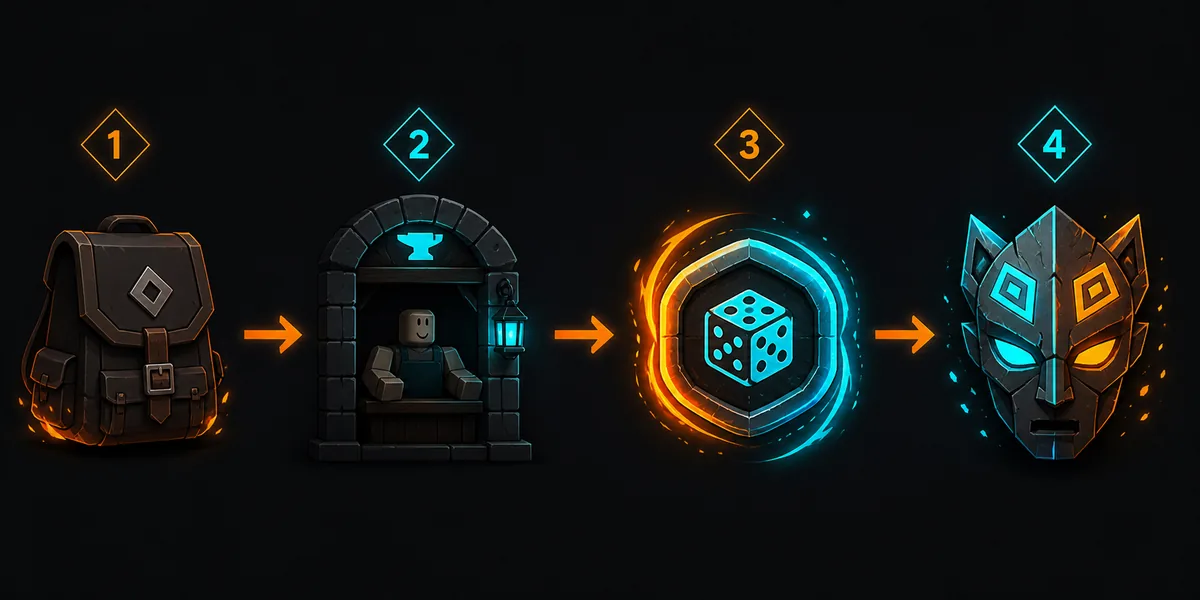
Open the game menu
Use the current inventory or Bag shortcut, commonly T on desktop, and find the Shop or Rerolls entry. If the shortcut does not work on your platform, use the visible menu button instead of relying on an old keybind guide.
Go to the Race Menu
Choose Rerolls and then the option that opens the Race Menu. Some versions also point players toward a Wizard or a dedicated reroll NPC. The important check is that the next screen describes a race change, not a weapon, ore, or cosmetic purchase.
Spend one spin and confirm
Press the race reroll action and read the confirmation before accepting. A spin is consumed for a random outcome; it is not a way to lock a specific race. If the screen shows a price or a different currency, trust the live prompt rather than an old guide.
Test the result before rolling again
Compare the new race with your actual activity: mining, boss fights, fast weapons, heavy weapons, or general progression. Keep a result that solves your current bottleneck. Do not reroll again simply because the name is not the rarest one on a tier list.
Where race reroll resources come from
Players usually refer to the resource used for a race change as spins or rerolls. The available ways to obtain them are update-sensitive, so this guide avoids promising a permanent source or a fixed price. Check the live in-game prompt, current event rewards, and the current codes page before planning a large reroll session.
Treat every source as a budget. If you have only a few spins, set a minimum acceptable result before you start. If you have a larger reserve, divide it into small attempts and stop to test the new race between rolls. This keeps a lucky improvement from becoming an expensive reset.
Codes and update rewards
Codes, events, and update rewards can provide useful resources, but their active status changes quickly. Use the current The Forge codes guide for the latest redemption notes instead of copying a stale list from a search snippet.
In-game progress
Daily or progression rewards may change as the game changes. Check the reward text on your account and record how many spins you actually have before deciding how ambitious the reroll session can be.
Paid options
If the game offers a paid route, treat it as optional. A paid spin does not guarantee a specific race, so compare the purchase with the practical value of your current build before spending.
When should you keep or reroll a race?
A race tier list is useful for comparison, but it should not be the only decision rule. A race that supports your weapon speed, survival, or farming loop can produce more value than a nominally stronger race that does not match your gear. Start with the activity that consumes the most of your time and judge the result there.
The best stop rule is specific: keep the first result that clearly improves your next goal and still leaves you enough resources for the rest of your progression. Reroll again only when the current race creates a real problem, such as repeated boss deaths, slow ore farming, or a heavy-weapon build that has no margin for mistakes.
| Your signal | Recommended action | Why |
|---|---|---|
| Your race already helps your main activity | Keep it and save spins | A stable bonus is more valuable than a random chase with no defined target. |
| You die before a heavy weapon can pay off | Consider one controlled reroll | Survival and weapon fit can be a stronger improvement than a small damage increase. |
| Mining is your main bottleneck | Keep a useful farming race | Faster resource collection can improve every later craft and upgrade. |
| You have no minimum result in mind | Do not start yet | Random rolls are difficult to evaluate when every result feels equally temporary. |
| You hit your acceptable target | Stop immediately | The next roll can be worse and may consume resources needed for gear or codes. |
Common race reroll mistakes
Mistakes that waste spins
- Rerolling because a result is not the rarest name, even though it supports your current weapon.
- Spending the whole reserve before checking whether the game has an active event or code reward.
- Assuming an old price, NPC location, or keyboard shortcut is still unchanged.
- Treating a tier list as a guarantee instead of comparing the race with your actual play loop.
A safer reroll routine
- Write down the one problem you want the next race to solve.
- Spend one roll, then test the result in the activity that matters most.
- Keep a race that is good enough for your next milestone, not only your final dream build.
- Save the remaining spins for a future update, event, or clearly better reason to change.
Plan the rest of your build after a reroll
Race tier list
Compare race strengths by farming, bosses, survival, and weapon planning after you understand the reroll process.
The Forge codes
Check current code notes before assuming you need to buy or spend every available reroll resource.
The Forge wiki hub
Use the wiki hub to move from race choice to ores, weapons, armor, pickaxes, and update checks.
Crafting calculator
After your race is settled, test the ore mix and weapon plan before spending rare materials in game.
Sources and update notes
The route and decision guidance below are written for Roblox The Forge and should be rechecked after major UI or reward changes. External pages help confirm the public search structure; the live in-game prompt remains the final authority for price and availability.
- Official Roblox page for The Forge for the current game entry and platform context.
- Beebom race reroll guide for the public step-by-step search intent and reroll explanation.
- The Forge guide coverage on TheSpike for a second public walkthrough perspective; menu names can change.
FAQ about race rerolls in The Forge
How do I reroll my race in The Forge?
Open the current game or inventory menu, go to Shop, open Rerolls, choose the option that takes you to the Race Menu, and confirm one race reroll. On some layouts the same destination may be represented by a Wizard or reroll NPC.
How do I get more race rerolls in The Forge?
Check the live reward panel, active events, and the current codes guide. The available sources and amounts can change, so do not rely on a permanent number or an old code list.
Can I choose which race I get?
A normal race reroll is random. You can choose when to stop, but you cannot use the standard reroll action to select a specific race directly.
Should I reroll a race that is not S-tier?
Not automatically. Keep it if it helps your main activity or next weapon goal. Reroll when the current race creates a real bottleneck and you have a clear minimum result in mind.
Is race rerolling the same as a race tier list?
No. A tier list compares outcomes; a reroll guide explains the action, resource budget, and stop rule. Use both together instead of opening a new roll every time the ranking changes.
Keep the useful race, then build around it
Once you reach an acceptable race, move on to the part that creates lasting progress: a realistic ore route, a weapon target, and a recipe that fits your inventory. The calculator and wiki hub can help you test that plan before the next expensive craft.